Embarking on your Twitch streaming journey can be both exciting and overwhelming. With millions of viewers and streamers worldwide, it’s easy to feel lost at first. But don’t worry! This beginner’s guide is designed to help you get started smoothly, from setting up your equipment to attracting your first viewers. Whether you’re a casual gamer or aiming to become a full-time streamer, these tips will help you lay a solid foundation and enjoy the process along the way. Let’s dive into the essentials that will make your Twitch debut a success!
Getting Started: Essential Equipment and Setup for Twitch Streaming
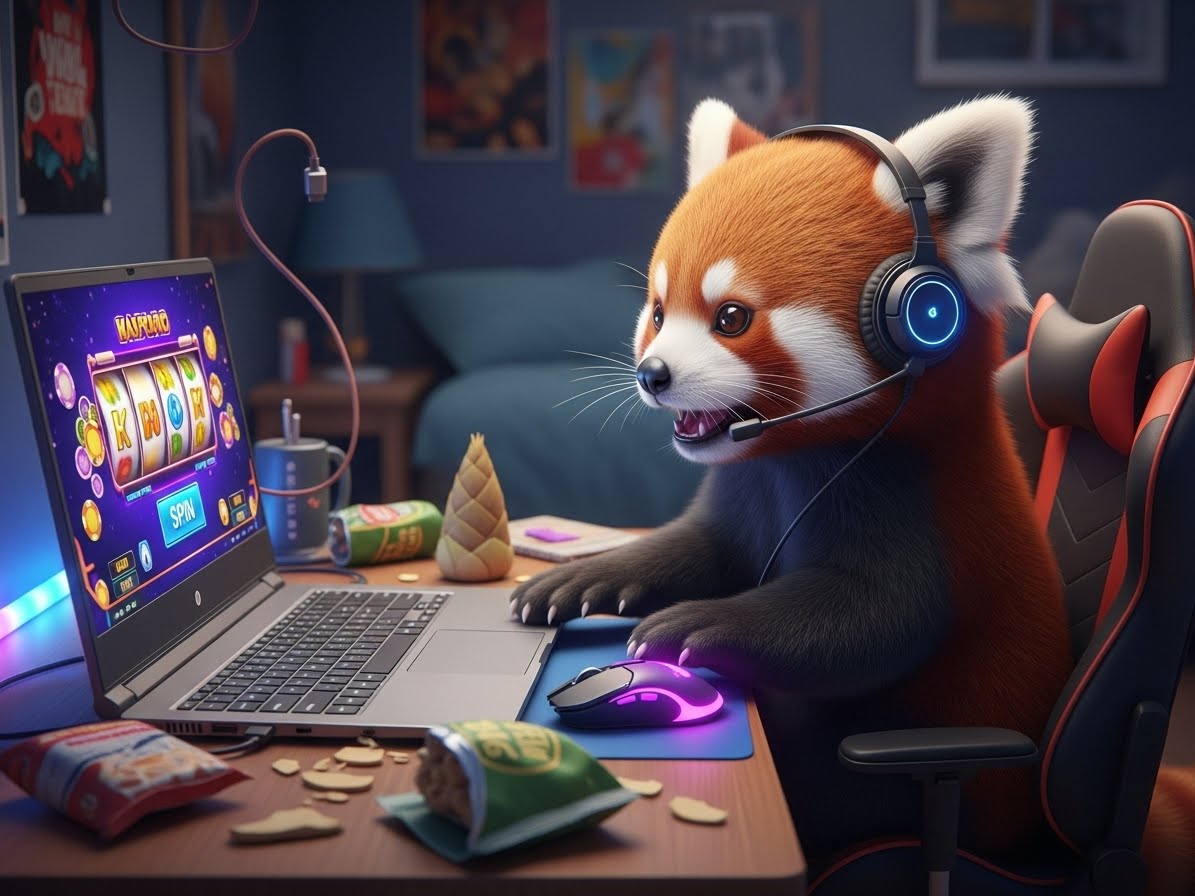
Starting your Twitch journey requires some basic gear, but you don’t need to break the bank. A good quality microphone is crucial because clear audio makes a big difference in viewer experience. Many beginners opt for USB microphones, which are affordable and easy to set up. Pair this with a decent webcam if you want to include facecam footage—this helps build a connection with your audience. As for your gaming setup, a reliable PC or console that can smoothly run your games and streaming software is essential. Make sure your internet connection is strong, ideally with upload speeds of at least 3-5 Mbps, to prevent lag and buffering during streams.
Next, you’ll need streaming software, with OBS Studio and Streamlabs OBS being popular free options. These programs allow you to broadcast your gameplay and overlay graphics, chat windows, and alerts for new followers or donations. Setting up your stream involves configuring scenes, sources, and overlays to create a visually appealing layout. Don’t forget to customize your channel with a catchy profile picture, banner, and stream title—these help attract viewers and make your channel look professional. Before going live, do a few test streams to ensure everything runs smoothly, checking audio levels, video quality, and internet stability. Once everything is in place, you’re ready to hit the “Start Streaming” button and share your gameplay with the world!
Finally, organizing your physical space can improve your streaming experience. A comfortable chair, good lighting, and a clean background create a welcoming environment for viewers. Consider investing in a ring light or softbox to improve your facecam quality. Keep cables tidy to avoid distractions or accidents, and position your microphone and webcam at optimal angles. Remember, your setup doesn’t have to be perfect from day one—start simple, and upgrade gradually as you gain experience and confidence. The key is to create a setup that feels comfortable and functional, so you can focus on having fun and engaging with your audience.
Tips and Tricks to Grow Your Audience as a New Twitch Gamer
Growing your audience on Twitch takes patience, consistency, and a bit of strategy. First, establish a regular streaming schedule so viewers know when to tune in. Consistency helps build a loyal community, and over time, viewers will start to anticipate your streams. Engage actively with your chat—responding to comments, asking questions, and creating a friendly atmosphere encourages viewers to stay longer and return regularly. Don’t be afraid to showcase your personality; authentic, relatable streamers tend to attract more followers. Additionally, use social media platforms like Twitter, Instagram, or Discord to promote your streams, share highlights, and connect with potential viewers outside of Twitch.
Another effective way to grow is by collaborating with other streamers, especially those with similar interests or follower counts. Hosting or raiding other channels can introduce you to their audiences and foster community support. Participating in Twitch communities and forums also helps you learn from experienced streamers and stay updated on trends. Remember to optimize your channel’s discoverability by using relevant tags, titles, and categories that match your content. This makes it easier for viewers searching for specific games or genres to find your stream. As your channel grows, consider creating unique branding elements like overlays, emotes, and custom alerts to stand out and foster a sense of community.
Lastly, focus on providing quality content and a positive atmosphere. Don’t get discouraged by slow growth; building an audience takes time. Celebrate small milestones, such as hitting your first 10 followers or completing your first stream, and use feedback to improve. Keep learning new streaming techniques, stay consistent, and most importantly, have fun. When you genuinely enjoy the process, your enthusiasm will resonate with viewers, making your channel more inviting and memorable. With dedication and a friendly approach, your Twitch community will flourish over time.
Starting on Twitch as a beginner might seem daunting, but with the right equipment, a solid setup, and a passion for engaging with viewers, you’re well on your way. Remember to stay consistent, be authentic, and keep learning from your experiences and fellow streamers. Every big streamer started somewhere, and your journey is just beginning. Enjoy the process, celebrate your progress, and most importantly, have fun sharing your gaming adventures with the world. Happy streaming!